πŸ‘οΈ Eye Tracking Demo

Follow the calibration points, then try looking at different buttons!

STATUS

Not Started

GAZE POSITION

-

LOOKING AT

-

Try Looking at These Buttons 🎯

πŸ“ How to Use:

  1. Click "Start Eye Tracking" and allow webcam access
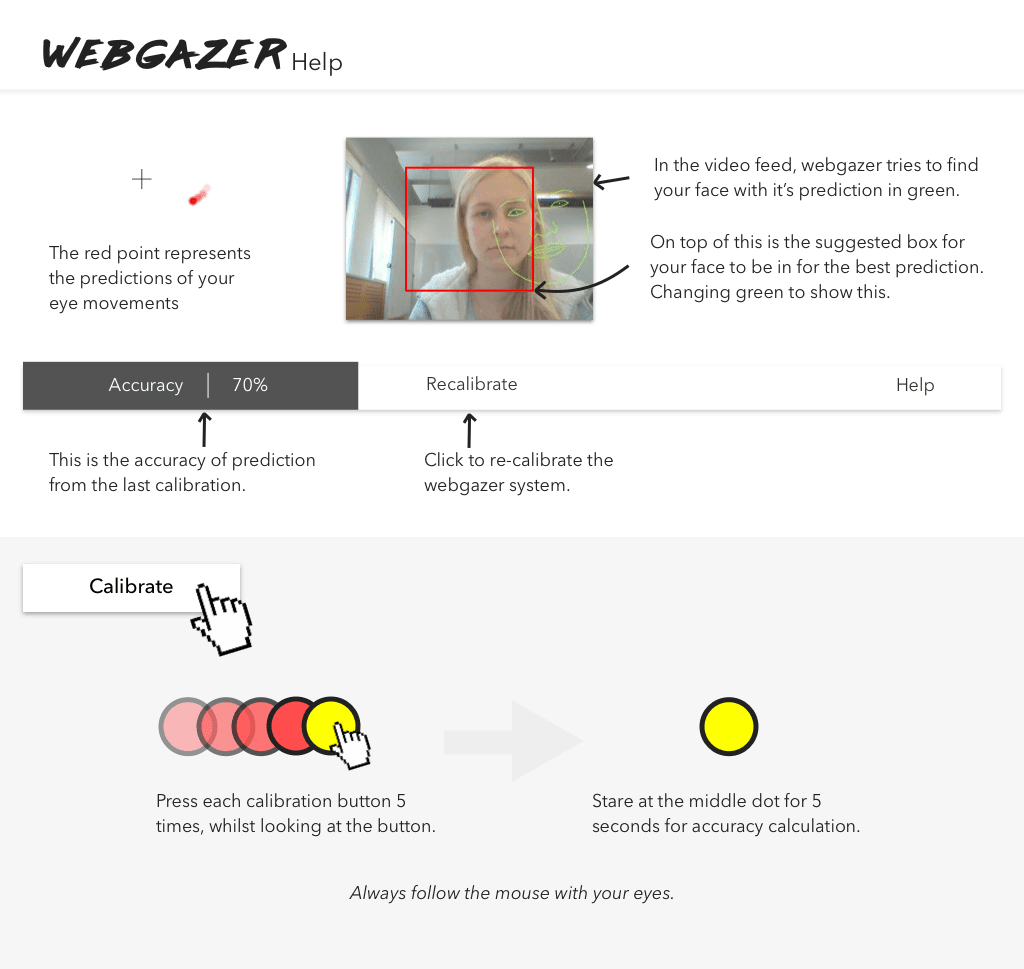
  2. Calibrate by clicking around the screen while looking at your cursor
  3. Look at the colored buttons - they will highlight when detected!
  4. The red dot shows where the system thinks you're looking